The smartphone in your pocket is a gateway to a universe of possibilities, and with the advent of virtual reality (VR) technology, that universe is expanding exponentially. Once relegated to high-end gaming consoles and dedicated VR headsets, immersive virtual experiences are now increasingly accessible through your mobile device. VR glasses for phones, also known as smartphone VR viewers or mobile VR headsets, are transforming how we consume content, play games, and interact with the digital world. This article delves into the exciting landscape of mobile VR, exploring the best options available and how they can elevate your everyday mobile experience.
What is Mobile VR and How Does it Work?
At its core, mobile VR leverages the powerful processing capabilities and high-resolution displays of modern smartphones to create an immersive stereoscopic 3D experience. When you slot your phone into a VR viewer, the screen is split into two slightly different images, one for each eye. The lenses within the viewer then magnify and focus these images, tricking your brain into perceiving depth and a sense of presence within a virtual environment. Motion tracking, facilitated by your phone’s gyroscope and accelerometer, allows you to look around by simply moving your head, further enhancing the feeling of immersion.
The beauty of mobile VR lies in its affordability and accessibility. Unlike dedicated VR systems that can cost hundreds or even thousands of dollars, smartphone VR viewers can range from under $20 to a few hundred dollars, making them a much more approachable entry point into the world of virtual reality. This has democratized VR, allowing a wider audience to explore its potential.
The Evolution of Mobile VR: From Cardboard to Sophisticated Viewers
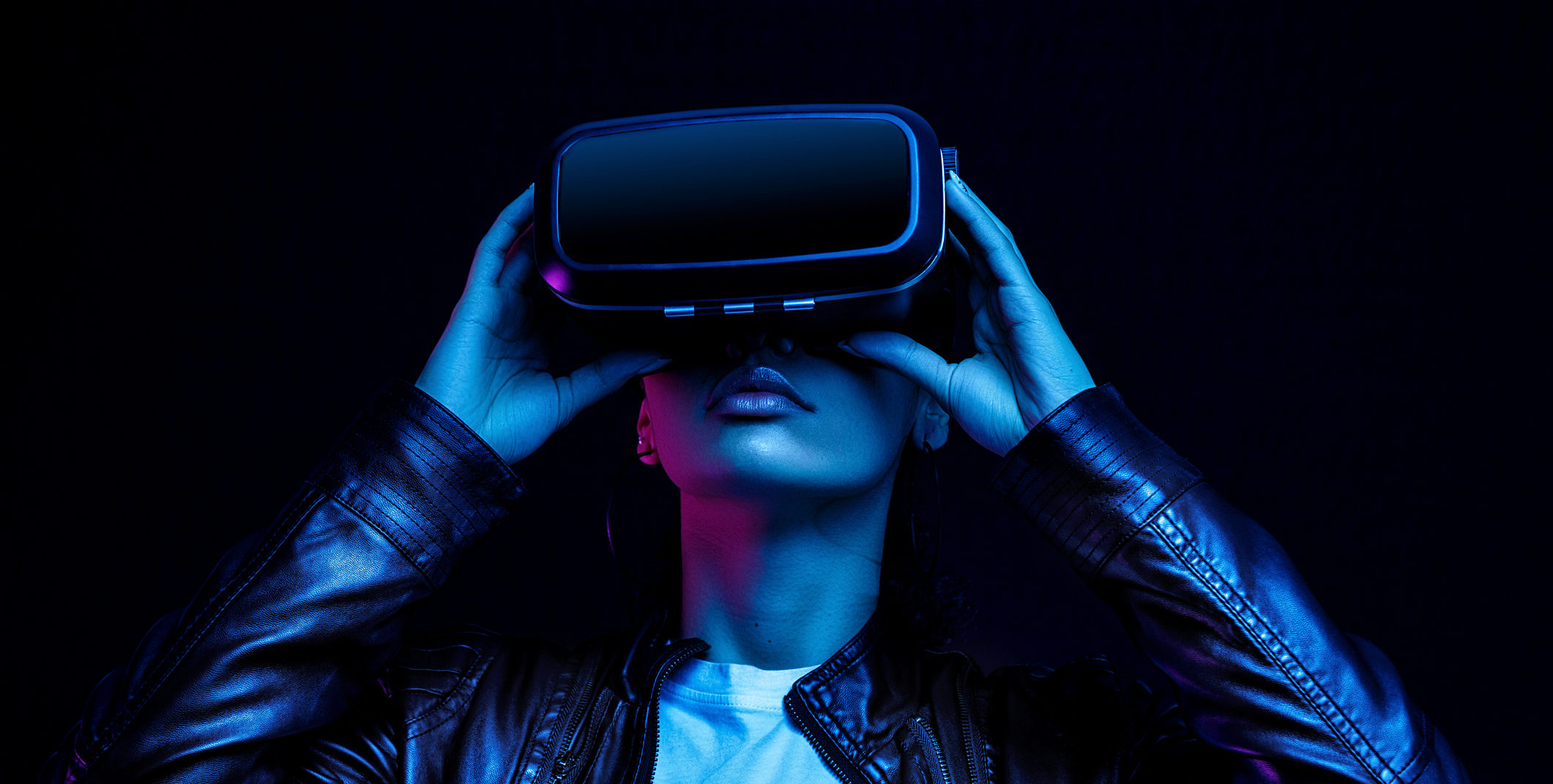
The journey of mobile VR began with a simple yet revolutionary idea: Google Cardboard. Launched in 2014, Cardboard was a DIY kit that allowed anyone to build their own VR viewer using cardboard and basic lenses. While rudimentary, it demonstrated the potential of using smartphones for VR and sparked immense interest. This paved the way for more sophisticated and feature-rich mobile VR headsets.
Today’s mobile VR viewers offer significant improvements over their early predecessors. They boast:
- Improved Ergonomics: More comfortable headstraps, adjustable IPD (interpupillary distance) for better focus, and better weight distribution.
- Enhanced Optics: Higher quality lenses that reduce distortion and offer wider fields of view.
- Integrated Audio: Some viewers include built-in headphones for a more complete sensory experience.
- Controller Support: While not universal, many viewers work with Bluetooth controllers, allowing for more interactive gameplay and navigation.
- Better Phone Integration: Secure and easy-to-use cradles that accommodate a wide range of smartphone sizes.
Choosing the Right VR Glasses for Your Phone
With a growing market, selecting the “best” VR glasses for your phone can feel overwhelming. The ideal choice depends on your budget, the size and model of your smartphone, and your intended use. Here are key factors to consider:
1. Smartphone Compatibility
This is the most crucial factor. Ensure the VR headset is compatible with your phone’s screen size and operating system (iOS or Android). Most modern viewers support a range of screen sizes, typically from 4.7 inches to 6.5 inches. Check the manufacturer’s specifications carefully before purchasing.
2. Field of View (FOV)
FOV refers to the extent of the virtual world you can see at any given moment. A wider FOV creates a more immersive experience, making you feel more “in” the virtual environment. Look for viewers with FOVs of 90 degrees or higher for a better experience.
3. Lens Quality and Adjustment

High-quality lenses are essential for clear visuals and minimizing eye strain. Look for lenses that are anti-reflective and offer minimal distortion. The ability to adjust the interpupillary distance (IPD) is also vital. IPD is the distance between the centers of your pupils. Adjusting it ensures that the two images presented to your eyes align correctly, reducing blurriness and discomfort.
4. Comfort and Fit
You’ll likely be wearing these for extended periods, so comfort is paramount. Consider the weight of the headset, the padding around the face, and the adjustability of the headstraps. For a more secure and comfortable fit, look for designs that distribute weight evenly and have breathable materials.
5. Ease of Use
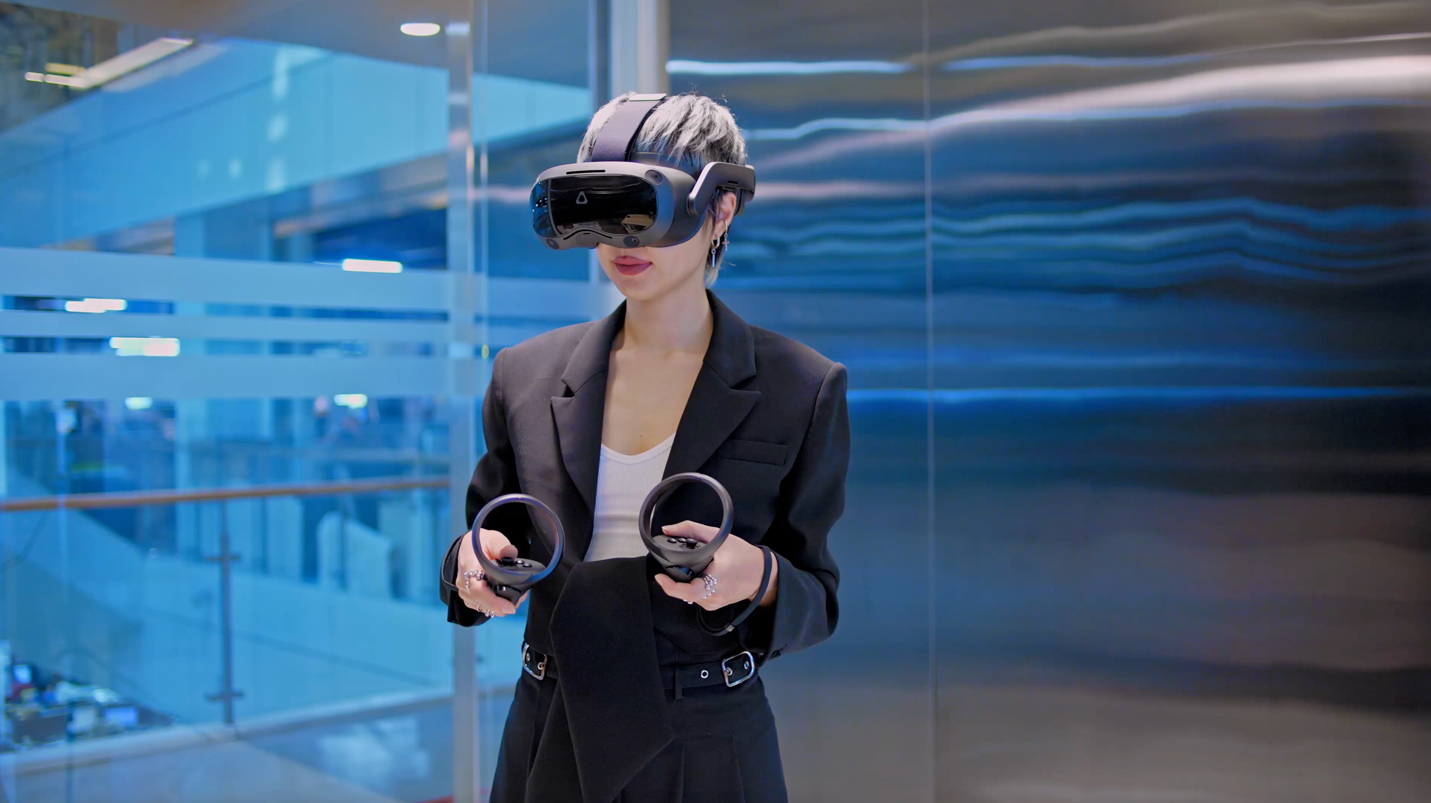
How easy is it to insert and remove your phone? Is the interface intuitive? Some viewers offer simple button controls on the headset itself for basic navigation, while others rely entirely on your phone’s touch screen or a separate controller.
6. Content Availability
While the VR headset is the hardware, the content is the software that brings it to life. Ensure there’s a good selection of VR apps and games available for your phone on platforms like the Google Play Store and the Apple App Store. The Google Daydream platform (though discontinued, its content remains accessible) and Samsung’s VR app (for compatible Samsung devices) were significant players in this space.
Top VR Glasses for Phones in 2024 (Examples)
While the market for dedicated mobile VR headsets has seen some shifts with the rise of standalone VR, excellent options still exist for those who want to leverage their smartphones. Here are some highly regarded examples, keeping in mind that availability and specific models can change:
1. PICO Neo 3 Link / PICO Neo 3 Pro (with PC connectivity)
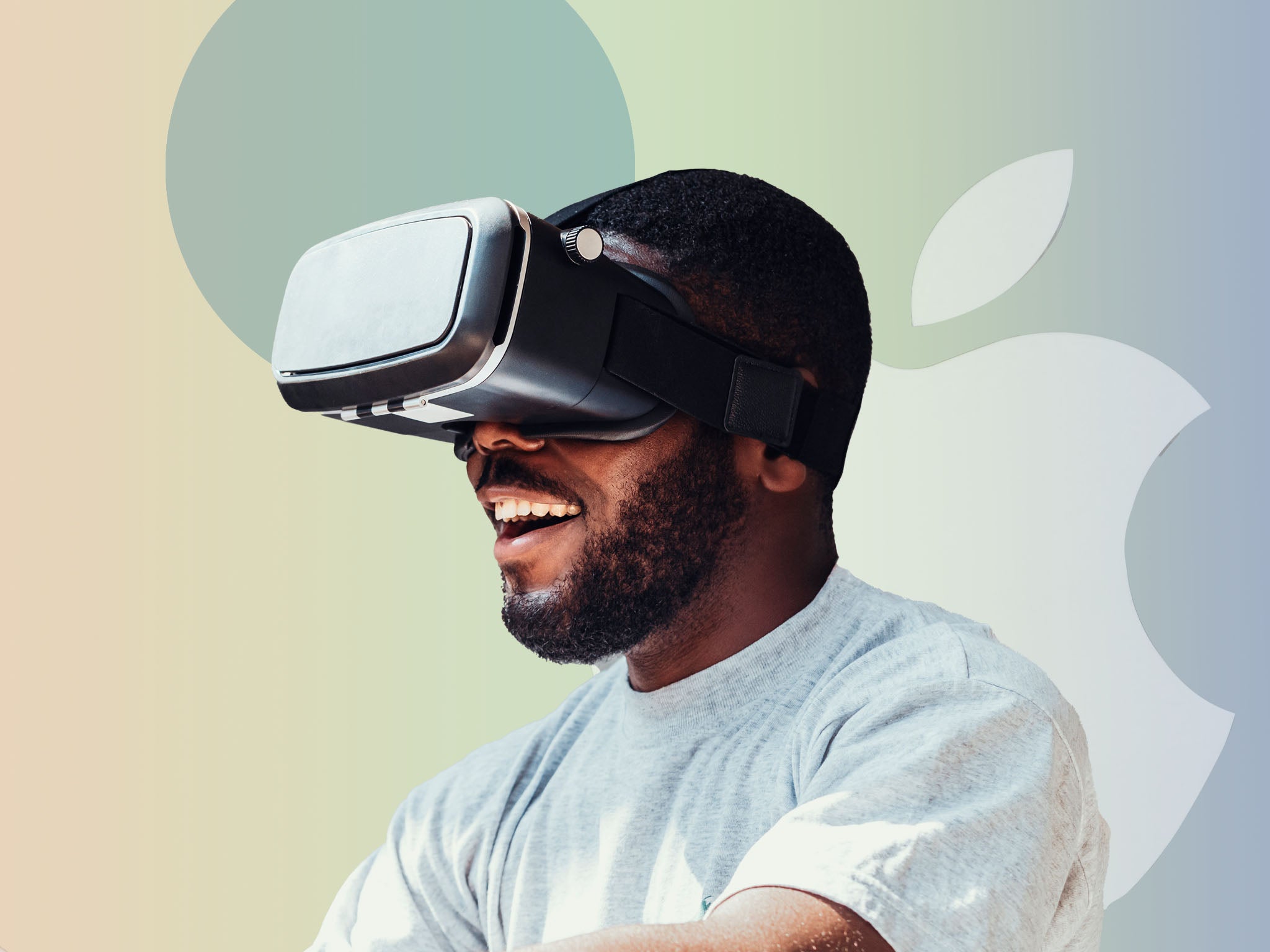
While not solely a phone VR viewer, PICO headsets offer a compelling hybrid experience. The Neo 3 Link, in particular, can be tethered to a PC for PC VR experiences, but it also functions as a standalone VR headset. Crucially, some PICO models offer compatibility with streaming VR content from your PC, and in some contexts, could be considered for high-end mobile VR experiences, especially for those with powerful smartphones capable of streaming. The advantage here is a significantly higher quality display and processing power compared to traditional smartphone viewers.
2. Meta Quest 2 / Meta Quest 3 (as standalone, but can potentially stream phone content)
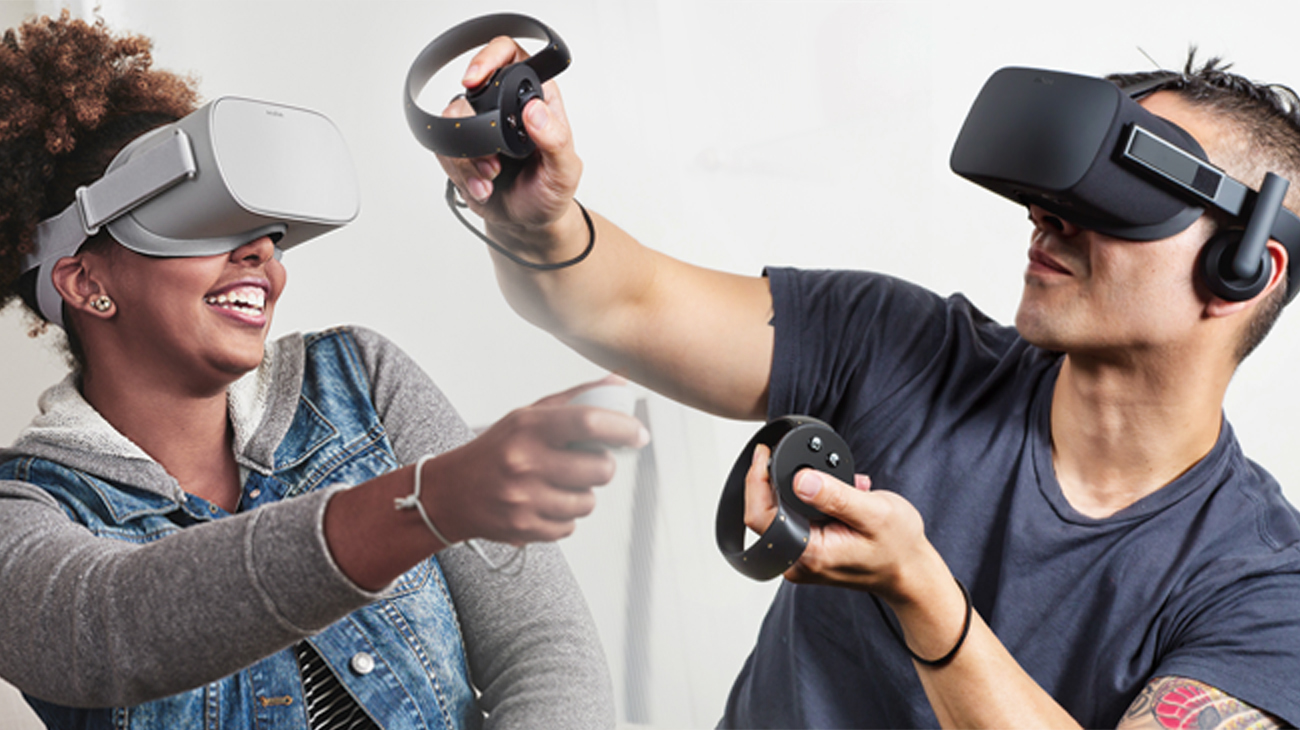
The Meta Quest line are standalone VR headsets, but their evolution and the increasing power of smartphones mean that some users are exploring ways to integrate their phone experiences. While not a direct “slot-in” solution for traditional phone VR, the Quest headsets offer a vastly superior VR experience and can access a massive library of content. For those looking to enhance their mobile experience *through* VR, a standalone headset like the Quest 3 represents the pinnacle, even if it’s a step beyond simple phone viewers.
It’s important to note that dedicated smartphone VR viewers, like the original Google Daydream View or Samsung Gear VR, have largely been phased out by manufacturers focusing on standalone VR. However, many third-party viewers are still available, offering a more budget-friendly entry point. For instance:
3. Unbranded Smartphone VR Headsets (e.g., various models found on Amazon and other retailers)
These often provide a good balance of features and affordability. When choosing one, look for:
- Adjustable straps and headrest for comfort.
- Decent lens quality with adjustable IPD.
- Good ventilation to prevent the phone from overheating.
- Positive user reviews regarding compatibility and performance.
These can be excellent options for casual VR exploration, watching 360-degree videos, and trying out simple VR games.
Transforming Your Mobile Experience: Use Cases and Benefits

The impact of VR glasses on your mobile experience extends far beyond gaming. Here are some compelling use cases:
Immersive Entertainment: Beyond the Flat Screen
Watching movies and videos in VR is a game-changer. Instead of a small screen, you’re transported into a virtual cinema with a screen as large as you desire. Platforms like YouTube VR offer a vast library of 360-degree videos and VR experiences, from stunning nature documentaries to thrilling roller coaster rides. Imagine feeling like you’re standing on the Great Wall of China or diving with whales – all from your living room.
Gaming Redefined: Step Into the Action
While mobile VR gaming may not match the graphical fidelity of high-end PC VR, it offers a unique and accessible way to experience games. Many mobile games are designed with VR in mind, providing intuitive controls and engaging gameplay. From puzzle games to action-adventures, VR transforms your phone into a portal to interactive worlds.
Case Study: Developers are increasingly creating mobile VR games that leverage head-tracking for aiming and interaction, offering a more natural and engaging experience than touch controls. Games like “InCell VR” (a biology-themed puzzle game) and “VR Xtreme Racing” provide accessible yet immersive experiences for mobile VR users.
Education and Exploration: Learning Through Experience
VR can revolutionize how we learn. Imagine dissecting a virtual frog without the mess, exploring historical sites as if you were there, or visualizing complex scientific concepts in 3D. Educational VR apps are emerging, making learning more engaging and memorable.
Statistic: According to a report by Statista, the global education VR market is projected to grow significantly in the coming years, highlighting the increasing adoption of VR for learning purposes.
Virtual Tourism and Social Interaction
Travel the world from your couch. VR allows you to explore distant cities, visit museums, and experience different cultures without leaving home. Platforms like Wander offer the ability to walk through streets virtually anywhere on Earth using Google Street View data.
Furthermore, VR is fostering new forms of social interaction. While still evolving for mobile VR, platforms are emerging that allow users to meet, chat, and participate in activities with avatars in virtual spaces.
Tips for the Best Mobile VR Experience
To maximize your enjoyment and minimize any potential discomfort, consider these tips:
- Use a powerful smartphone: A high-resolution display, a fast processor, and ample RAM are crucial for smooth VR performance.
- Ensure good lighting: While not as critical as with some standalone VR headsets, good lighting can help with any phone-based tracking.
- Take breaks: Extended VR sessions can cause eye strain or motion sickness. Take regular breaks to rest your eyes and reorient yourself.
- Experiment with different apps: Explore the vast array of VR content available to find what interests you most.
- Consider a comfortable headset: Invest in a viewer with good padding and an adjustable headstrap for long-term comfort.
- Use headphones: Integrated or separate headphones can significantly enhance immersion by providing spatial audio.
The Future of Mobile VR
While standalone VR headsets like the Meta Quest series have captured significant market share, mobile VR is far from dead. The continued evolution of smartphone technology – with more powerful processors, better displays, and advanced sensors – will only enhance the capabilities of phone-based VR. We may see:
- Improved AR/VR integration: Smartphones are already capable of augmented reality (AR). Future VR viewers could seamlessly blend AR elements for a mixed reality experience.
- Wireless streaming advancements: Enhanced Wi-Fi and 5G technology could enable smoother, higher-fidelity VR streaming from PCs or cloud services to your phone and viewer.
- More sophisticated mobile VR apps: As the hardware improves, developers will create more complex and engaging VR experiences tailored for mobile.
Your Pocket-Sized Portal to New Realities
Enhancing your mobile experience with the best VR glasses for phones is an accessible and exciting frontier. From immersive entertainment and revolutionary gaming to transformative educational tools and virtual exploration, the potential is immense. While dedicated standalone headsets offer the most advanced VR experiences, the continued development of smartphone technology ensures that mobile VR remains a viable and increasingly capable way to step into new realities. By carefully considering your smartphone’s capabilities, your budget, and the features that matter most, you can unlock a new dimension of interaction and entertainment right from your pocket.
