In the rapidly evolving landscape of digital photography, the tools available to capture, edit, and share our visual stories are constantly being refined. While DSLRs and mirrorless cameras remain the workhorses for many, the advent of powerful, portable tablets like the iPad has opened up exciting new avenues for creative professionals. For photographers, the iPad has transitioned from a mere distraction to a viable, even indispensable, tool. However, a crucial bottleneck often exists: the seamless transfer of image files from camera memory cards to the tablet. This is where the humble yet mighty iPad to SD card connector steps in, acting as a bridge that unlocks a wealth of benefits for photographers of all levels.
Bridging the Gap: The Essential Role of SD Card Connectors

The primary function of an iPad to SD card connector is straightforward: to facilitate the transfer of data from an SD card (or microSD card, depending on the adapter) directly to an iPad. This seemingly simple act has profound implications for the modern photographer. Traditionally, image transfer involved physically inserting an SD card into a computer’s card reader, importing the files into editing software, and then, if desired, transferring them to a portable device. This process can be time-consuming and requires access to a dedicated computer. The iPad to SD card connector bypasses this intermediate step, offering a direct and immediate connection.
Why is this direct connection so significant?
- Speed and Efficiency: No longer are photographers beholden to desktop setups. Transferring photos directly to the iPad, especially with fast USB-C SD card readers, significantly reduces downtime. This is invaluable for event photographers, photojournalists, or anyone working against tight deadlines.
- On-the-Go Workflow: The portability of the iPad is its defining characteristic. By enabling direct SD card access, the connector transforms the iPad into a mobile editing suite. Imagine being on location, after a stunning sunset shoot, and being able to instantly review, cull, and even begin editing your images without needing to return to an office or home.
- Reduced Reliance on Cables and Peripherals: Fewer devices mean less to carry, less to charge, and fewer potential points of failure. The connector simplifies the mobile photography setup considerably.
The Advantages Unleashed: A Deeper Dive into Benefits
The benefits of integrating an iPad to SD card connector into a photographer’s workflow extend far beyond simple file transfer. It empowers a more dynamic, efficient, and creative approach to image management and post-processing.
1. Instant Review and Culling in the Field
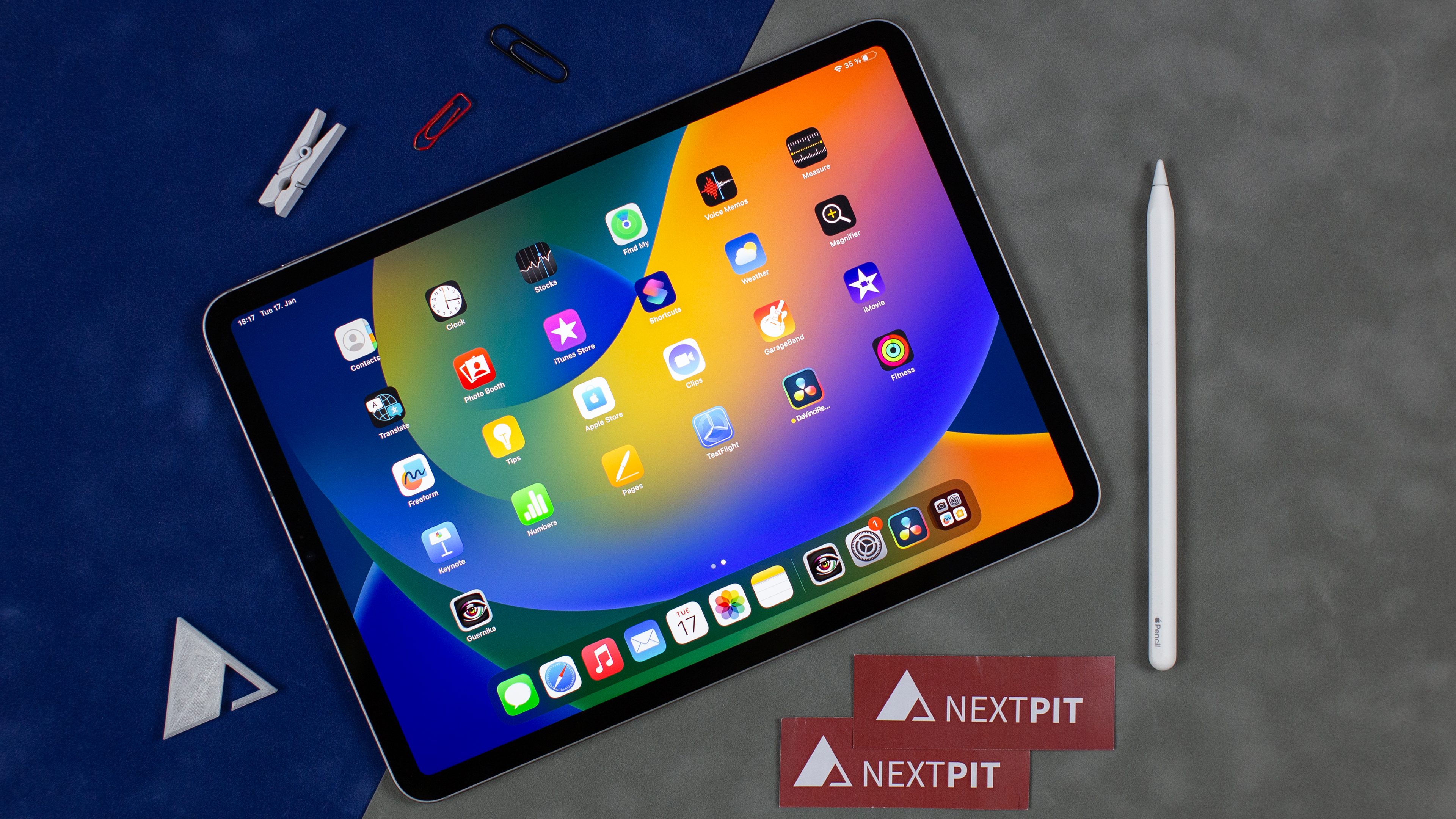
One of the most immediate and impactful benefits is the ability to review your shots immediately after capture, directly on the iPad’s vibrant and color-accurate display. This is particularly crucial for professional photographers who need to ensure they have captured the necessary shots during a client session or event.
The Power of Immediate Feedback
Consider a wedding photographer. After the ceremony, they can quickly insert their SD card into the iPad connector and begin reviewing the crucial shots. If a key moment was missed or an important detail was out of focus, they can identify this immediately and potentially retake the shot, saving them from disappointment and potential client dissatisfaction later. This proactive approach minimizes the risk of missing vital images.
Furthermore, the iPad’s larger screen compared to the small LCD on most cameras allows for a more detailed examination of focus, composition, and exposure. This helps in the crucial process of culling – discarding unusable or redundant images – while still on location. Studies by Adobe have shown that photographers who cull their images more effectively can reduce their overall editing time by up to 30%. The iPad, with its direct SD card access, facilitates this crucial initial step right in the field.
2. Embracing the Mobile Editing Revolution

The iPad has become a powerhouse for photo editing, thanks to sophisticated apps like Adobe Lightroom Mobile, Affinity Photo, and Pixelmator Photo. These applications offer many of the professional-grade features found in their desktop counterparts, but in a portable and intuitive package.
Seamless Integration with Powerful Editing Apps
With an SD card connector, the workflow becomes incredibly fluid:
- Shoot images on your camera.
- Insert the SD card into the iPad to SD card connector.
- Import images directly into your chosen editing app on the iPad.
- Edit your photos on the go, during commutes, in cafes, or while waiting for flights.
- Export edited images to cloud storage (like iCloud, Google Drive, or Dropbox) or share them directly to social media.
This mobile editing capability is a game-changer. Photographers no longer need to wait to get back to their studio to begin the creative process. This can significantly shorten turnaround times, allowing for faster delivery of finished work to clients.
A case study by Apple highlighted how a landscape photographer used their iPad and an SD card reader to edit a series of dramatic sunset shots taken in a remote location. Within hours of capturing the images, they were able to refine the colors, enhance the details, and share the final edited photographs with their followers online, generating significant engagement. This rapid content creation cycle is a testament to the power of mobile editing facilitated by these connectors.
3. Efficient Backups and Archiving on the Go
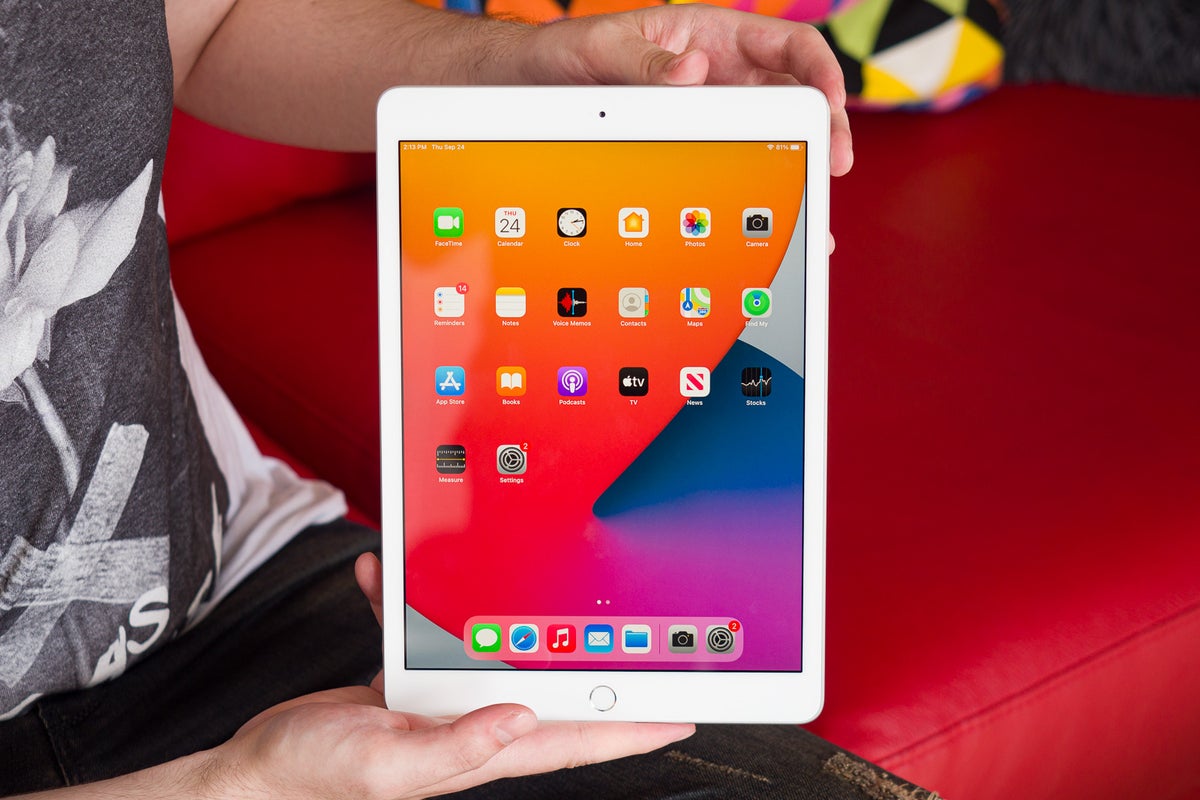
Data security is paramount for any photographer. Losing images due to a malfunctioning memory card or device failure can be catastrophic. The iPad to SD card connector offers a convenient solution for creating immediate backups, even when away from a traditional computer setup.
Safeguarding Your Precious Memories
While not a replacement for robust, multi-layered backup strategies, creating an intermediate backup on an external drive connected to the iPad (via a USB-C hub that supports both SD card readers and external drives) or directly to cloud storage from the iPad provides an invaluable layer of protection. After importing images to the iPad, photographers can then transfer them to a portable SSD or directly upload them to cloud services. This ensures that even if the original SD card is damaged or lost, a copy of the images exists elsewhere.
This is especially relevant for photographers on extended trips or expeditions where access to computers is limited. Having the ability to quickly transfer images from a full SD card to cloud storage directly from their iPad can prevent the heartbreaking scenario of running out of space or risking data loss.
4. Enhanced Client Collaboration and Feedback
For portrait photographers, event photographers, and even real estate photographers, showing clients their work in progress can foster trust and ensure satisfaction. The iPad’s portable and interactive nature makes it an ideal tool for these client-facing interactions.
Show, Don’t Just Tell
Imagine a photographer meeting with a client after a photoshoot. Instead of relying on small camera screens or later email attachments, they can present a curated selection of edited images directly on their iPad. The client can then provide immediate feedback on their favorites, suggest minor adjustments, or confirm their selections. This collaborative approach streamlines the decision-making process and leads to happier clients.
The ability to quickly import images via the SD card connector and then present them on the iPad allows for a more dynamic and engaging client consultation. This can be particularly effective for wedding and event photography, where clients often have specific visions for their final album or prints.
5. Streamlining Workflow for Specific Genres
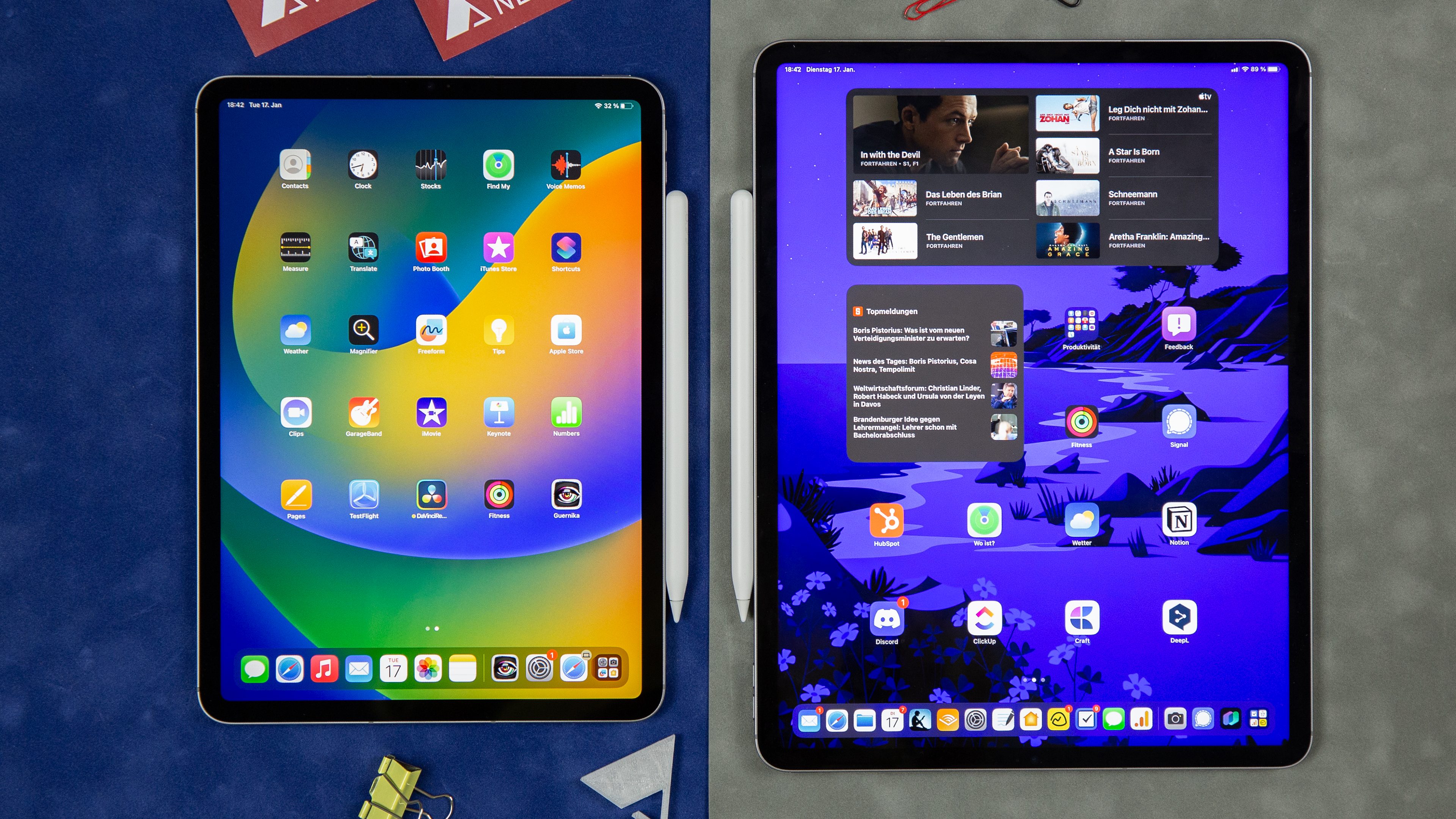
Different photographic genres can benefit in unique ways from the iPad and SD card connector combination:
- Photojournalists: Need to file stories quickly. The ability to ingest images directly into an iPad, perform basic edits and captions, and then upload them via cellular or Wi-Fi is crucial for breaking news.
- Travel Photographers: Often have limited luggage space and need to be self-sufficient. The iPad, with its editing capabilities and the ease of file transfer, becomes an all-in-one solution.
- Real Estate Photographers: Can quickly deliver high-quality edited images to agents shortly after a shoot, facilitating faster property listings and sales.
- Content Creators: The seamless transfer and editing workflow allows for rapid creation and posting of visual content to social media platforms, maintaining an active online presence.
Choosing the Right Connector: Key Considerations
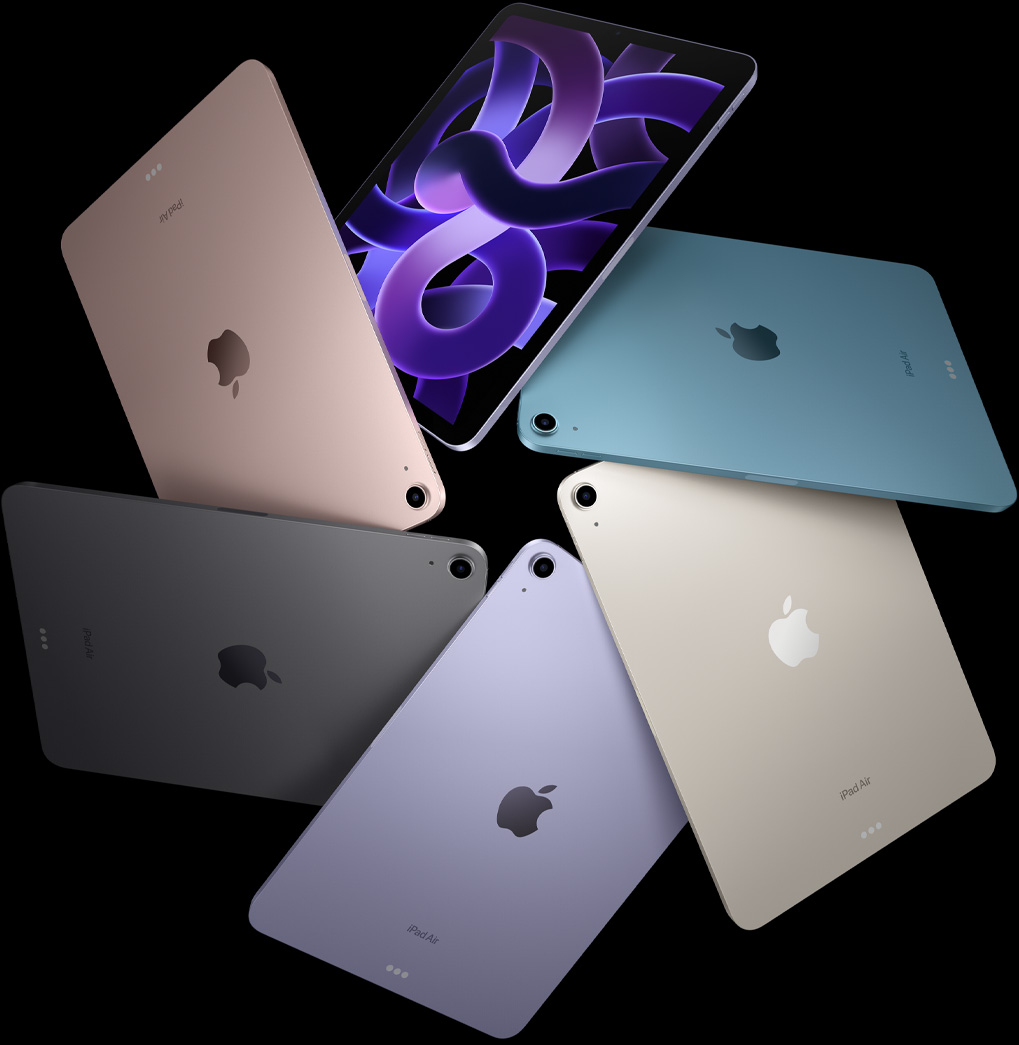
With the growing popularity of iPad to SD card connectors, the market offers a variety of options. Selecting the right one depends on your iPad model and your specific needs.
- Connectivity Type: iPads with Lightning ports will require Lightning-compatible connectors, while newer iPads with USB-C ports will utilize USB-C connectors. USB-C generally offers faster transfer speeds.
- Card Compatibility: Ensure the connector supports the types of memory cards you use (SD, microSD, or both).
- Portability and Durability: For photographers on the go, a compact and well-built connector is essential.
- Speed Requirements: If you primarily work with RAW files or high-resolution JPEGs, look for connectors that support faster transfer standards (e.g., USB 3.0 or higher for USB-C).
Empowering the Modern Photographer
The iPad to SD card connector is far more than a simple accessory; it’s an enabler of a more efficient, flexible, and creative photographic workflow. By dissolving the barrier between camera and tablet, it empowers photographers to:
- Review and cull images instantly in the field.
- Embrace the power of mobile editing with professional-grade apps.
- Implement crucial on-the-go backup strategies.
- Enhance client collaboration and satisfaction.
- Streamline workflows across various photographic genres.
In a world where speed, portability, and immediate results are increasingly valued, the iPad to SD card connector is an indispensable tool that unlocks creative freedom and helps photographers stay ahead of the curve. It transforms the iPad from a secondary device into a central hub for the modern photographer’s journey from capture to final output.
